
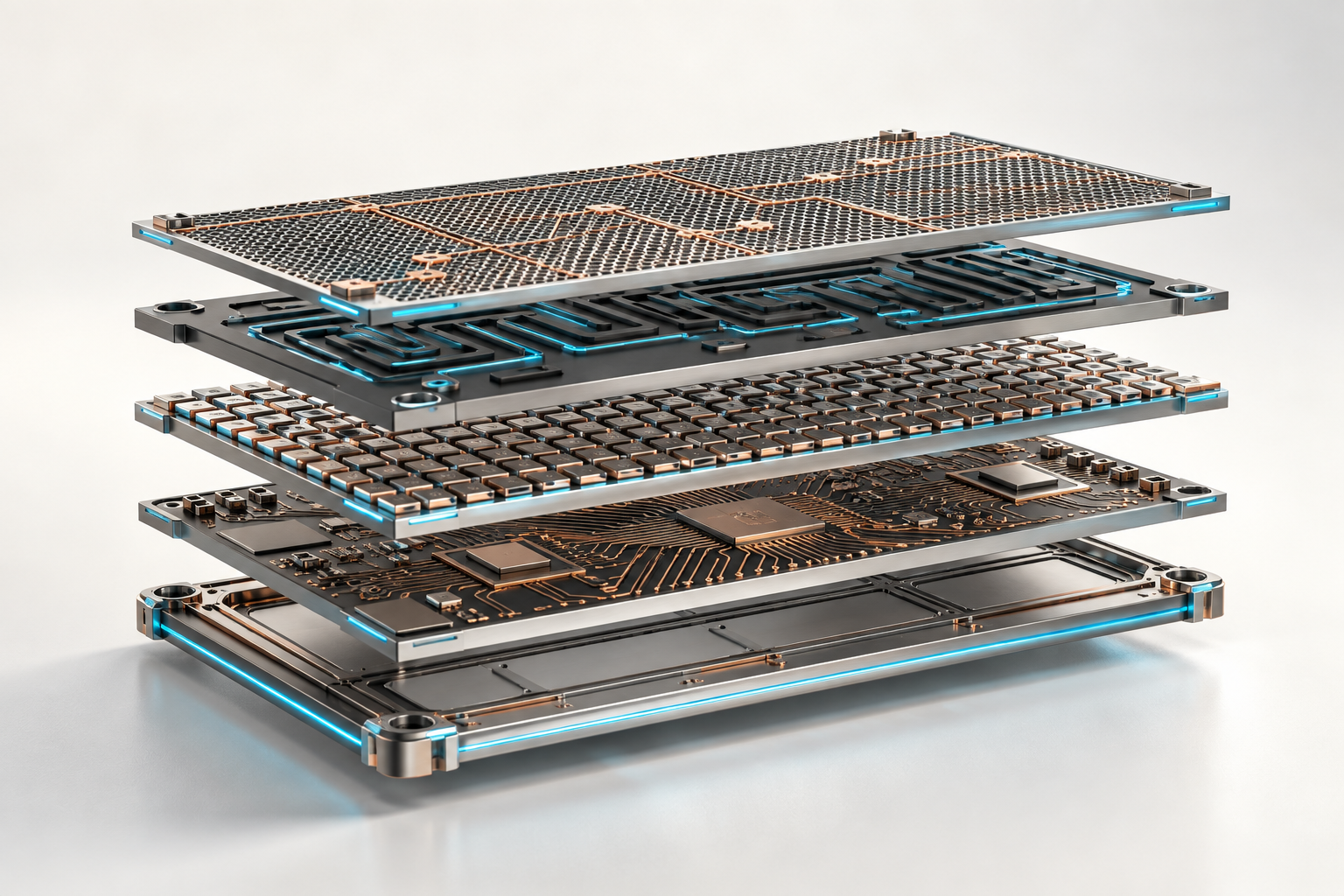
Microsoft's agentic AI offering is not one product. An enterprise agent draws on several capabilities at once, and Microsoft provides a product for each: Copilot Studio, Microsoft Foundry, Agent Framework, Microsoft IQ, Microsoft Fabric and governance services.
The simplest useful definition is this: an enterprise agent combines five capabilities (an experience, a runtime, model intelligence, business context and tools) with controls around all of them. This article maps each one to Microsoft's products, then covers building, context, data, governance, deployments and the buyer's first decisions.
One agent. Five connected capabilities. Governance around all of them.

One Request, Five Capabilities and a Control Layer
- Experience: Teams, Microsoft 365 Copilot, Dynamics 365 or a custom application is where a person encounters the agent.
- Build and orchestration: Copilot Studio, Foundry Agent Service and code built with Microsoft Agent Framework provide different levels of abstraction and control.
- Model intelligence: Foundry Models supplies model choice. Azure OpenAI models are an important family inside that broader catalog.
- Business context: Microsoft IQ, Fabric, Azure AI Search, SharePoint and other enterprise sources ground the agent in information it could not know from the model alone.
- Actions: Power Automate, Dataverse, Dynamics 365, APIs and MCP tools let an agent retrieve information or initiate controlled work.
- Control: Entra, Purview, Defender, Agent 365, evaluation and application-level policies answer different questions about identity, data, risk, quality and accountability.
The products are related, but they are not interchangeable. A development SDK, an Azure platform, a low-code agent product and a governance service belong at different layers.
Three Practical Ways to Build
The right starting point depends on who owns the solution and how much behavior must be engineered. If the choice also involves Claude, ChatGPT or Codex, Copilot, Claude, and Codex on a Microsoft Stack explains which layer each product occupies.
Choose by ownership and complexity, not by logo.

Copilot Studio
Copilot Studio is a low-code authoring and managed runtime environment. It is a strong starting point for business-facing agents that need Microsoft 365 channels, Power Platform connectors, knowledge sources, agent flows and administrator-managed publishing.
Choose it when the workflow can be expressed through configured instructions, topics, tools and approvals without turning the agent into a custom software product.
Foundry Prompt Agent
A prompt agent in Foundry is configured with instructions, a model and tools. Foundry operates the runtime, endpoint, identity and scaling. It suits teams that want Azure control and production operations without maintaining custom runtime code.
Code-Based Agent
Microsoft Agent Framework is an open-source SDK for custom agents and workflows. It is the code-first path for explicit state, graph-based workflows, long-running work, human approval, custom middleware and multi-agent coordination.
Agent Framework is the successor to Microsoft's Semantic Kernel and AutoGen agent work. A code-based agent can run in Foundry as a hosted agent, or run elsewhere and call Foundry models and tools.
A hybrid is also valid. Copilot Studio can provide the employee-facing experience while a specialist agent in Foundry handles engineered logic.
What Microsoft Foundry Provides
Microsoft Foundry, formerly Azure AI Foundry, is Microsoft's Azure platform for building and operating AI applications. Foundry Agent Service is the managed agent runtime inside that platform.
Foundry turns agent development into a production loop.

The important components are:
- Foundry Models: access to OpenAI, Microsoft, Anthropic, Meta and other model families through the Foundry model catalog.
- Agent Service: managed runtime for prompt agents and hosted code agents, with sessions, identity, endpoints and scaling.
- Tools and knowledge: built-in tools, custom functions, MCP servers, APIs and reusable knowledge sources.
- Evaluation and observability: quality tests, safety evaluation, traces, tool-call inspection, latency and failure analysis.
- Platform controls: Azure RBAC, Entra identity, network isolation, policy and content-safety controls.
Foundry is useful when an agent must be versioned, evaluated, traced and operated like software. Evaluating Production AI Agents with Microsoft Foundry explains what those evaluations can and cannot prove.
Foundry also runs agents without a chat: routines, generally available, start prompt or hosted agents on a schedule or event, Toolboxes curate the tools they may call, and Insights, in preview, looks for recurring problems in their traces. Running autonomous agents with Microsoft Foundry follows one such agent.
Microsoft IQ Supplies the Context
A model can reason, but it does not automatically know your customers, measures, policies, meetings or current market conditions. Microsoft IQ is Microsoft's family of context capabilities intended to make that organizational knowledge reusable across agents and copilots. Each capability is reached through its own integration.
Different questions need different kinds of knowledge.

- Work IQ supplies context about people, meetings, collaboration and work activity.
- Fabric IQ supplies business entities, properties, relationships, measures and current operational state.
- Foundry IQ supplies knowledge bases over policies, documents and institutional knowledge, built on Azure AI Search. It enforces user permissions at query time only for supported, correctly configured sources.
- Web IQ supplies current external information from the web. It is currently limited access.
This distinction matters. A policy document and an approved margin measure are both context, but they require different retrieval methods, permissions and evidence. Agent Context Through Microsoft IQ goes deeper into each capability and its access routes.
Where Microsoft Fabric Fits
Fabric is the data and analytics foundation of this stack. OneLake unifies the data estate, data engineering produces governed data products, and Power BI semantic models define measures and hierarchies.
Fabric IQ adds business entities and relationships so agents can work in the language of the business rather than raw table names. Adopting Microsoft Fabric for Business and AI covers where to start, and Medallion Architecture for AI-Ready Data in Microsoft Fabric shows how that meaning is prepared.
Raw data becomes business context that several kinds of agents can use.

Fabric supports several agent patterns:
- A Fabric data agent answers natural-language questions over selected Fabric sources. It is designed for governed analytical Q&A and queries data with the caller's effective permissions. Talk to Your Data with Agents in Power BI and Microsoft Fabric compares it with the other analytical agent routes.
- A Fabric operations agent monitors real-time data or an ontology, detects conditions, recommends actions and can run configured actions when policy allows. Monitoring Fabric Data Pipelines with the Operations Agent shows one bounded example.
- A Foundry or Copilot Studio agent can use Fabric IQ as a tool when the wider workflow also needs documents, external systems or custom orchestration.
- An MCP-compatible agent can connect to supported Fabric IQ endpoints when the scenario calls for a different agent client.
Fabric IQ and ontology capabilities include preview features. Buyers should confirm region, capacity, identity flow, supported data sources and production support before committing an architecture.
Two September additions matter here. Fabric IQ in Microsoft 365 Copilot Chat, generally available, answers from existing Power BI reports and models without a data agent, and the data engineering agent, in preview, builds and changes Fabric assets rather than answering questions. Fabric Apps, also preview, adds an application layer for recording decisions over Fabric data.
The Fabric items that ground agents are also built and released like software, often with help from coding agents. Agent-Assisted Development in Microsoft Fabric and Agentic Development for Power BI Reports and Semantic Models explain how those changes are made; DevOps and Release Automation for Microsoft Fabric explains how they reach production.
Governance Happens at the Point of Use
Governance is not a single control added after development. It is a sequence of controls applied as an agent receives context and proposes action. Governing Agents and Data in the Microsoft Agentic AI Stack maps each control in depth.
A tool call should cross identity, data, policy and approval boundaries.

The services have different jobs:
- Microsoft Entra Agent ID gives agents a manageable identity and supports authentication, authorization and Conditional Access.
- Microsoft Purview applies classification, information protection, DLP, audit and compliance controls to supported agent activity.
- Microsoft Defender adds posture management, threat detection and investigation.
- Microsoft Agent 365 provides organization-wide inventory, lifecycle management and administrative oversight.
- Foundry evaluation and observability measure quality, regressions, latency, tool use and failures. These are operational controls, not substitutes for access control.
- Application policy and human approval determine whether a specific tool call is allowed, blocked or held for review.
What Deployments Look Like
The same stack supports different levels of autonomy. A useful design decision is whether the agent should answer, recommend or execute.
Answer, recommend and execute require different controls.

Governed Analytics Over Fabric
A business user asks a question in Fabric, Power BI, Copilot Studio or a custom application. The agent delegates the analytical question to a Fabric data agent or Fabric IQ tool, which evaluates it against approved data and permissions. The response should carry the measure, scope, source and relevant caveats.
Sales Qualification in Dynamics 365
Microsoft's Sales Qualification Agent is a first-party Dynamics 365 example. It uses CRM and Dataverse context, research and specialist agents to help qualify leads. The seller remains responsible for commercial judgment and the next customer action.
Service Workflow in Teams
A Copilot Studio agent collects a request in Teams. A deterministic Power Automate flow validates required fields and obtains approval. Dataverse or another system is updated only after the policy gate passes.
What a Buyer Should Decide First
Before choosing products, answer six questions:
- Should the agent answer, recommend or act?
- Which measures, entities, documents and live signals must ground it?
- Is the solution primarily configured, engineered or hybrid?
- Which tools can it call, and which actions require human approval?
- Who owns evaluation, monitoring, incident response and retirement?
- Which preview capabilities are acceptable for the workload and risk level?
Microsoft provides a broad agent stack. The architecture becomes simpler when each product has one clear responsibility and the design begins with the business decision, the trusted context and the permitted action.
Discuss your Microsoft data and agent architecture with Reliancy.
Sources and Product Documentation
- Foundry routines
- Foundry Toolboxes
- Insights in Foundry preview
- Direct Fabric IQ in Microsoft 365
- Native data engineering agent preview
- Fabric Apps preview
- Microsoft agent architecture components
- Microsoft agents hub
- Microsoft Foundry overview
- Foundry Agent Service overview
- Foundry Models overview
- Microsoft Agent Framework overview
- Agent Framework migration guide
- Copilot Studio overview
- Copilot Studio architecture guidance
- Copilot Studio agent flows
- Microsoft IQ overview
- Fabric IQ overview
- Fabric ontology overview
- Fabric ontology agent integration options
- Fabric data agent concepts
- Fabric data agent data sources
- Fabric data agent sharing and permissions
- Fabric operations agents
- Foundry Fabric IQ tool
- Foundry IQ overview
- Microsoft Web IQ
- Azure AI Search overview
- Power Automate approvals
- Dataverse overview
- Microsoft Agent 365 overview
- Microsoft Entra Agent ID
- Purview support for Agent 365
- Microsoft agent security model
- Foundry agent tracing
- Dynamics 365 Sales Qualification Agent
- Sales Qualification Agent reference architecture