
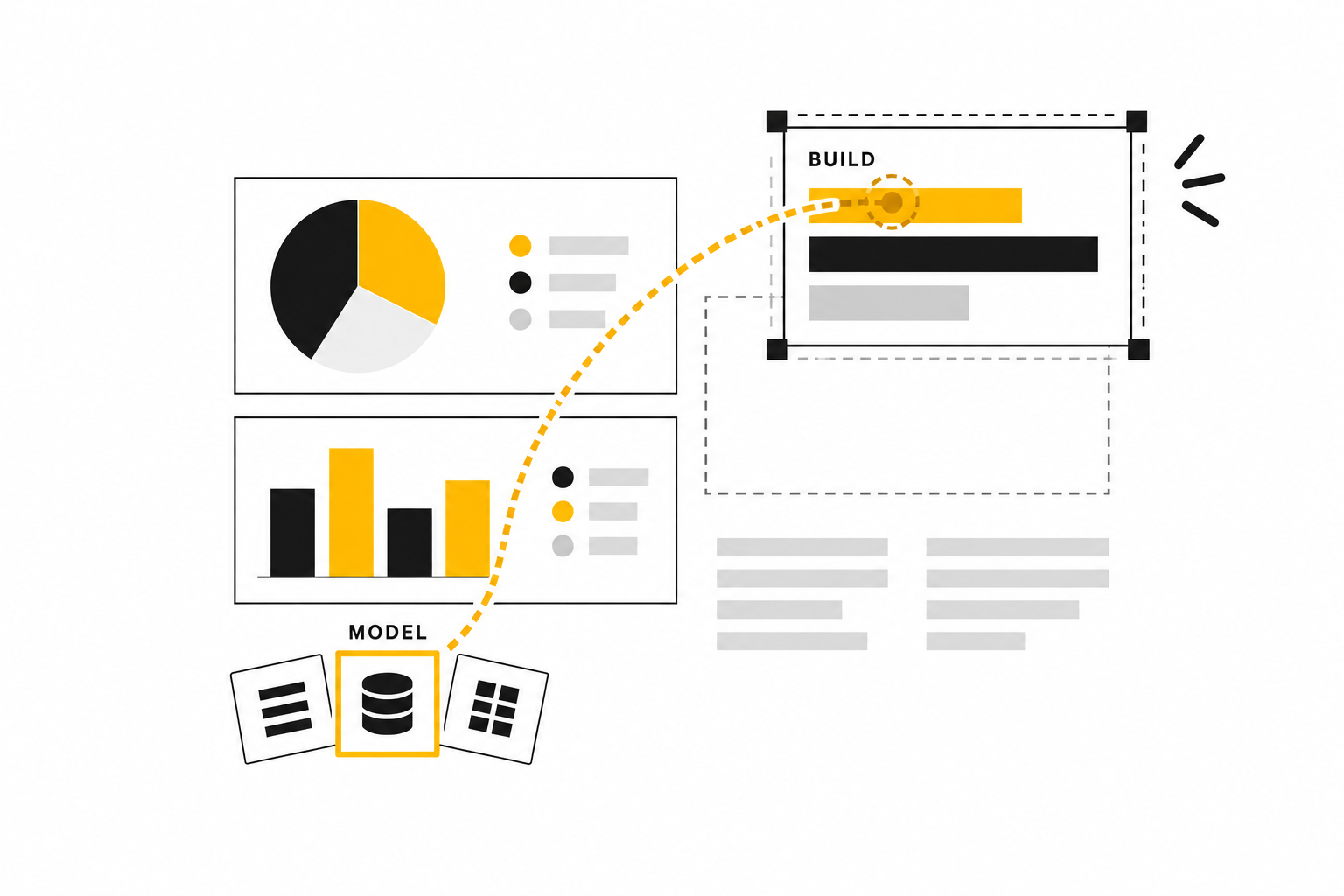
AI coding agents can now help build Power BI content: adding measures to a semantic model, restructuring a model, or drafting report pages. Most of Microsoft's agent tooling for this work is in public preview, so it suits teams that accept preview terms and review every change.
Two linked assets are involved: the semantic model, which defines measures and other reusable business logic, and the report, which presents that logic through interactive pages and visuals.
Agentic development means using an AI coding agent to create or modify those development assets. It is not the same as a talk-to-your-data agent that answers a business user's question. Here, the agent helps engineers build the model and presentation layer that other people will use.
Classic Power BI dashboards, the single-page canvases of tiles pinned in the Power BI service, are out of scope; this article covers reports and semantic models. Pipelines, notebooks, and other Fabric items are covered in agent-assisted development in Microsoft Fabric.
There are three ways for an agent to make the change:
- Use an authoring tool: A Model Context Protocol (MCP) server lets the agent request named semantic-model operations, such as adding a measure or changing a relationship. The current Power BI Authoring MCP server does not edit report pages.
- Call an application programming interface (API): Microsoft Fabric APIs can retrieve or update a complete report or semantic-model definition in a workspace. This suits automation and delivery, not granular visual design.
- Edit project files directly: The agent can change readable report or model source, then return a Git diff for review. This gives the clearest change record but needs a rendered check of report pages.
These approaches can be combined. For example, an agent might use MCP to change a model stored in project files, then use an API to deliver the reviewed definition.
The agent changes two linked assets, then checks each differently.

The Project Files an Agent Can Edit
A Power BI Desktop .pbix file packages report content and, when present, a local model in one file. It does not expose its contents as ordinary text files that a coding agent can inspect and diff.
A Power BI Project (PBIP) can save report and local semantic-model definitions in separate folders of readable files. Its optional .pbip file is a shortcut that opens the report project, not the report source itself.
On the report side, Power BI enhanced report format (PBIR) stores pages, visuals, filters, bookmarks, and settings as JavaScript Object Notation (JSON) files. Its definition.pbir file binds the report either to a local semantic-model folder or to a model hosted in a Fabric workspace. On the model side, Tabular Model Definition Language (TMDL) stores named objects such as tables, measures, relationships, and roles as readable text. Those are the files an agent can edit and a reviewer can compare in Git.
A Power BI Project exposes separate report and model files.

Preview boundary: PBIP, enhanced PBIR storage, and saving a PBIP semantic model in TMDL remain documented preview workflows. TMDL View is separately documented as generally available. Teams should verify the exact Desktop feature and workflow they plan to standardize.
Three Ways Agents Change Reports and Models
The choice depends on both the asset and the unit of change. A model can be changed through MCP or its source files; a report page only through its source files. APIs move either item's complete definition into or out of a workspace.
The available interface depends on which asset needs to change.

MCP Tools: Precise Semantic-Model Changes
The Power BI Authoring MCP server lets an agent inspect, create, update, refactor, and validate named semantic-model objects. It can add a measure, rename fields, change relationships, and execute queries in Data Analysis Expressions (DAX), Power BI's calculation language. Microsoft's Power BI Semantic Model Authoring skill guides the agent in using those tools.
Best fit: Object-level model changes that can be checked with metadata and query results. Boundary: The server does not edit report pages or model diagram layouts, and hosted and local deployments reach different environments. The local server can also work with project files, so MCP and file-based development are not mutually exclusive.
Fabric APIs: Move Complete Definitions
Fabric item-definition APIs can retrieve, create, and update supported report and semantic-model definitions in a workspace. A definition can contain PBIR report files or TMDL model files. This is valuable for workspace automation, CI/CD release automation, and round trips between a workspace and source control. DevOps and release automation for Microsoft Fabric covers that release path.
Best fit: Transporting a reviewed item definition or synchronizing workspace assets. Boundary: The API moves a definition as a package; it does not provide a command such as “move this chart 20 pixels.” The agent must still edit the relevant source and check the result.
Other APIs serve narrower needs. The XML for Analysis (XMLA) endpoint and Tabular Object Model (TOM) can make fine-grained semantic-model changes on eligible capacities with the required read-write setting and permissions. Power BI's embedded JavaScript authoring APIs can change visuals inside an authenticated embedded edit session. Neither is a general replacement for Fabric item-definition transport or local report files.
Direct Files: Inspectable Report and Model Source
An agent can edit PBIR JSON to change report pages and visuals, or TMDL text to change semantic-model objects. The changes appear as file diffs for Git-based review.
For report work, Microsoft's Power BI Report Design skill can produce a design brief, and its Power BI Report Authoring skill can edit the PBIR files. The Power BI Desktop Bridge can reload the project and capture screenshots. It is a local Windows and Power BI Desktop workflow, not a remote browser service.
Best fit: Source-controlled changes to either asset, especially report pages that MCP cannot edit. Boundary: Valid file structure does not prove correct calculations or good visual design. Save Desktop work before external edits, reload afterward, run model checks, and inspect every changed report page with representative data.
Documented capability: The Authoring MCP server, Power BI Agentic skills, PBIR agent authoring, and Desktop Bridge are first-party Microsoft capabilities in public preview as of September 2026, so names, supported clients, permissions, and behavior can change.
Semantic-Model Work Is Usually More Repeatable
An agent can identify a measure by name, inspect its expression, create a replacement, execute representative DAX, and compare the result with an accepted value. The object is typed, the change can be diffed, and important behavior can be tested.
That does not make semantic-model work automatically correct. A syntactically valid measure can still use the wrong grain, filter behavior, currency treatment, or business definition. A technically valid relationship can still create an ambiguous or misleading model.
Report design has an additional verification problem. A PBIR file can be structurally valid while the rendered page has weak hierarchy, clipped labels, poor contrast, crowded visuals, inaccessible color choices, or an interaction that does not support the decision.
Reliancy interpretation: because named objects and queries give direct evidence, agents can work on semantic models consistently when the business rules are known. Generated report pages are better treated as strong first drafts, because their quality only becomes visible after rendering.
Good Report Drafts Start with Constraints
“Build an executive report” is not a design specification. An agent needs the intended audience, the decision the page supports, approved measures, required filters, page size, interaction expectations, accessibility requirements, and the amount of detail that belongs on one page.
A report theme supplies reusable JSON defaults for color, typography, and visual styling. A Power BI template can provide a known report and model starting point without data. A reference page shows the hierarchy, spacing, density, and visual language the team already accepts.
These inputs make a first draft more coherent, not final. Real data changes label lengths, density, and the usefulness of a selected chart.
Reliancy recommendation: Give the agent a locked design brief, theme, and one strong reference page. Ask for a small set of pages, render them with representative data, and revise from visible evidence instead of repeatedly changing prompts against an unseen file.
A Dependable Workflow Separates Drafting from Acceptance
The safest operating model keeps every agent change inspectable and makes publication a separate decision.
Accepted definitions and design constraints converge before release.

The controls are straightforward:
- Start from a known PBIP baseline under Git and preserve a recoverable version.
- Save Desktop work before allowing an external agent to edit project files.
- Give the agent least-privilege access and an approved data-handling policy. Model metadata and query results may enter the selected model provider's conversation.
- Inspect the existing model and approve business definitions before designing pages.
- Keep the proposed change small enough for a reviewer to understand.
- Validate model metadata, relationships, and representative DAX results.
- Validate PBIR structure, reload the project in Desktop, and capture every changed page.
- Review hierarchy, labels, contrast, accessibility, filters, interactions, and business usefulness.
- Authorize workspace deployment or publication separately from file generation.
The BI developer's effort moves from repetitive construction toward definitions, validation, design judgment, and release ownership.
A Strong First Deployment Has a Known Answer
A practical starting project is a report page built over an accepted semantic model. For example, a finance team may need a contribution-margin page using measures that already reconcile to the close.
The agent can inspect the TMDL, add or document the required measures, execute representative DAX tests, and generate a PBIR page using the approved theme and a reference report. Desktop screenshots then show whether the hierarchy, labels, filters, and visual density work with real data.
Finance approves the meaning and totals. The BI owner approves the page, interactions, accessibility, and release. That is easier to govern than asking an agent to invent the metric and the presentation at once.
Avoid beginning with a poorly documented PBIX file, an undefined executive metric, or a request for a complete production report with no visual standard. The agent will inherit every ambiguity in the source.
What a Buyer Should Decide First
Microsoft has also announced app creation in Power BI Desktop, built on Fabric Apps, as a forthcoming preview. Those apps accept input and write data, which makes them applications rather than reports. They sit beside the report and model workflow described here rather than replacing it; building business applications on Fabric explains the difference.
Before adopting agentic Power BI development, answer these questions:
- Does the requested change belong in the semantic model, the Power BI report, or both?
- Can the asset be represented as PBIP, PBIR, and TMDL under source control?
- Which interface should own the change: Authoring MCP, direct source editing, Fabric item-definition APIs, XMLA/TOM, or embedded authoring?
- Which preview components are acceptable for the workload and support model?
- Which business definitions and expected results will validate model changes?
- Which theme, template, reference page, and accessibility rules will constrain report design?
- Who reviews the rendered pages and who authorizes deployment?
- What model metadata or query results may be sent to the selected agent and model provider?
Agentic development is most useful when the asset is explicit, the change is reviewable, and someone owns acceptance.
Discuss an agent-assisted Power BI development workflow with Reliancy.
Sources and Product Documentation
- Power BI's announced application-authoring direction
- Power BI Agentic overview
- Power BI Report Authoring skill
- Power BI Report Design skill
- Power BI report planner and management skills
- Power BI Semantic Model Authoring skill
- Power BI Authoring MCP server
- Power BI Desktop projects
- Power BI project report folder
- Power BI project semantic model folder
- Enhanced Power BI report format
- Tabular Model Definition Language
- TMDL View in Power BI Desktop
- Fabric semantic model definition
- Fabric report definition
- Fabric item definition overview
- Fabric item management support matrix
- Power BI Desktop external editing
- Power BI Desktop Bridge
- Power BI report themes
- Power BI templates
- Power BI service concepts and terms
- Power BI reports overview
- Reports in Power BI
- XMLA endpoint management
- Tabular Object Model
- Power BI embedded report authoring APIs