
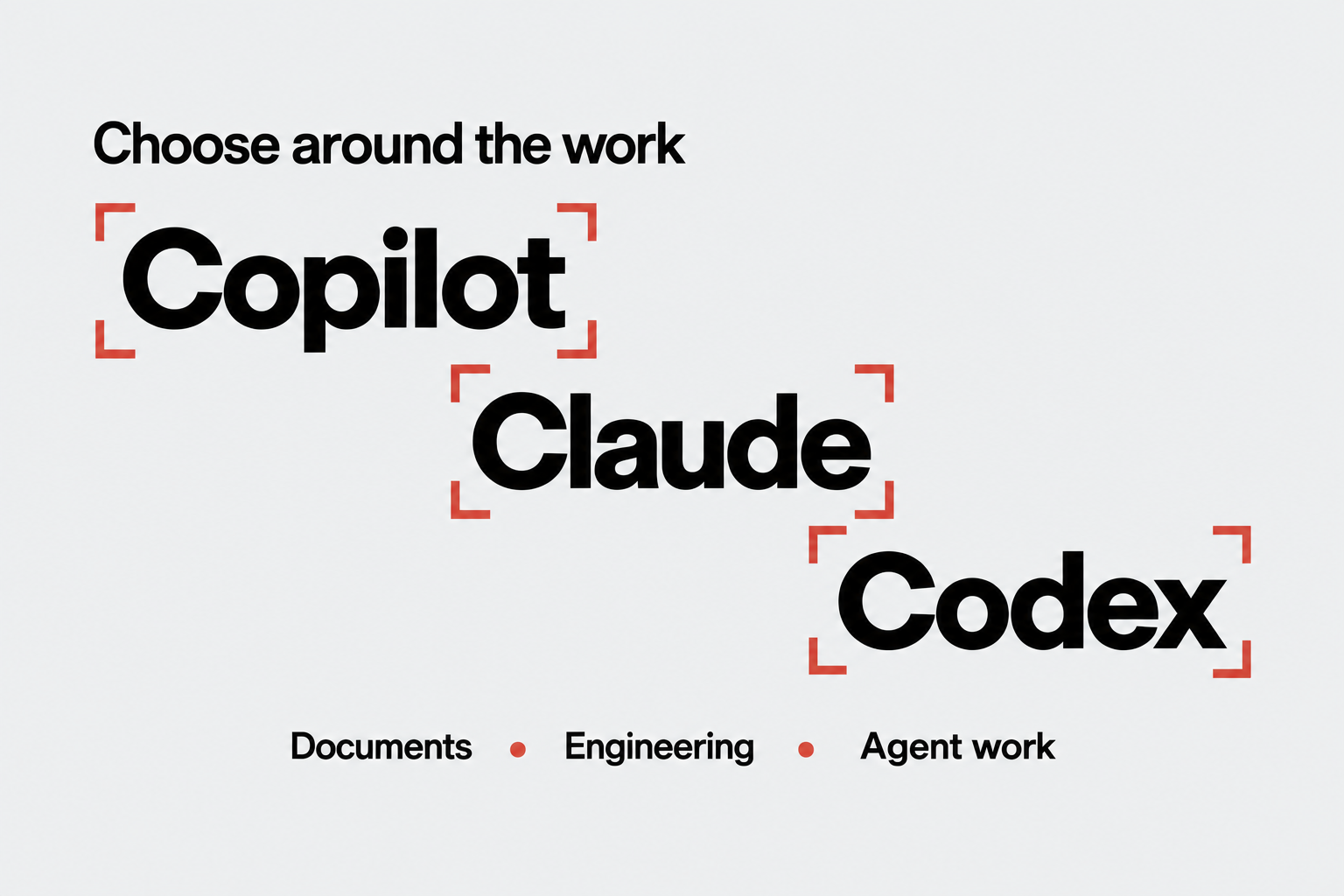
Companies that build on Microsoft 365, Fabric and Azure often assume that adopting Microsoft's agent stack means standardizing on Copilot, Microsoft's models and Microsoft's coding tools. It does not. A Microsoft foundation leaves room to choose the employee experience, the agent harness, the model and the engineering tools separately.
The confusion usually starts with names. Microsoft 365 Copilot is one employee-facing assistant, Copilot Studio builds and runs configured business agents, and Microsoft Foundry provides models and production-agent capabilities. Claude is Anthropic's model family, Claude Cowork and ChatGPT Work are work experiences, and Claude Code and OpenAI's Codex are engineering agents that change code in a repository.
These products can coexist because they occupy different layers. Understanding the Microsoft Agentic AI Stack maps those layers; this article explains the five choices a Microsoft customer makes, where the non-Microsoft options fit, and what Microsoft can still govern when they are used.
What "Copilot" and "Harness" Mean Here
Microsoft 365 Copilot is the assistant people meet in Microsoft 365 work. Its orchestration combines the user's request, Microsoft Graph context, and available agents or actions to produce a response. It is a product and a user channel, not a model name.
Copilot Studio is different. It is the low-code platform for configuring agents with instructions, knowledge, tools, and channels. Microsoft documents a standard harness behind its generative orchestration, and makers can choose among supported primary models, subject to admin settings, region, and preview status.
A harness, also called an orchestrator, is the runtime loop that plans steps, selects and invokes tools, manages context, and decides when a task is complete. Whoever hosts the harness largely determines how much of that loop the organization can change. Calling everything "the Copilot harness" hides which product is being discussed.
Five Choices on a Microsoft Stack
The buyer is making five related choices:
- Experience or channel: Microsoft 365 Copilot, Teams, an owned custom app, Claude Cowork, or ChatGPT Work.
- Agent harness and runtime: Microsoft-managed orchestration, a Foundry-hosted agent, an external vendor harness, or self-hosted code.
- Model endpoint: a Foundry model deployment, a direct provider endpoint, or the model offered inside a managed experience.
- Connection to Microsoft data and tools: a native integration, an application programming interface (API), a connector, or Model Context Protocol (MCP).
- Control boundary: which identity, data, telemetry, validation, and approval controls apply to each part of the route.
One Microsoft foundation can support three agent paths

The Employee Experience Does Not Have to Be Copilot
Microsoft 365 Copilot is Microsoft's native experience across Microsoft 365. It can use Microsoft Graph and Work IQ context, respects the signed-in user's permissions, and participates in supported Microsoft administration, security, and compliance controls. Its advantage is that integrated product boundary, not a requirement to use Microsoft models everywhere.
Teams and a custom application are channels that can present a Copilot Studio agent, a Foundry agent, or another backend, with more control and more operating responsibility.
Claude Cowork is Anthropic's multi-step work experience. Anthropic currently describes it as a beta whose availability depends on plan and owner configuration.
ChatGPT Work is OpenAI's work experience. Local Work runs through the desktop app on the user's device, while Cloud Work runs the Codex harness in an isolated environment on OpenAI-managed infrastructure.
Both external products have their own workspace, connector, tool-approval, retention, and administrative controls. They can reach Microsoft services through supported connectors, APIs, or MCP, but they do not become Microsoft 365 Copilot because the source data is in SharePoint, Fabric, or Power BI.
| Employee experience | Native advantage | Boundary to check |
|---|---|---|
| Microsoft 365 Copilot | Microsoft 365 surfaces, Graph and Work IQ context, Microsoft controls | Licensing, tenant configuration, supported extensions, limited orchestration changes |
| Teams or an owned app | Organization-owned channel and workflow | Authentication, validation, monitoring, and support are yours |
| Claude Cowork | Multi-step work interface, connectors, MCP, Anthropic workspace controls | Beta and plan availability; external execution and retention |
| ChatGPT Work | Local or cloud work, company knowledge, custom MCP apps, OpenAI workspace controls | Execution mode, plan, tool permissions, external retention |
The tradeoff is not simply Microsoft versus another model provider. It is how much of the experience and control plane you want packaged, and how much you are prepared to operate.
How Much of the Harness You Control
Microsoft now has one clear native advantage: Fabric IQ in Microsoft 365 Copilot Chat, generally available, answers from existing Power BI reports and models with no data agent to build. Claude or ChatGPT can reach the same models through Fabric IQ MCP, but the external host must call the tools and own the answer.
The host decides how much of the harness is yours:
- Microsoft 365 Copilot provides managed orchestration inside its employee experience.
- Copilot Studio provides configurable orchestration for supported agent patterns.
- A Foundry prompt agent uses a Microsoft-managed runtime.
- A Foundry hosted agent runs the organization's code and framework on Microsoft-managed infrastructure.
- A self-hosted agent or an external work experience uses the organization's or the vendor's harness.
A more configurable path increases control over planning, tools, state, validation, and telemetry. It also increases engineering and operational ownership.
A managed experience reduces that burden, but the buyer accepts the controls and models the product exposes. If a team wants an agent inside Microsoft 365 but owns its orchestration in code, a custom-engine agent is a documented path with its own integration and publishing requirements.
Foundry Separates Model Access From Agent Implementation
Microsoft Foundry provides a model catalog, Agent Service, tools, evaluation, tracing, and deployment capabilities. Foundry Models includes Microsoft and partner model families, including Claude, so choosing Foundry does not mean choosing an OpenAI model.
That freedom has a boundary. A catalog entry does not promise that every model supports every tool, API, or region.
Claude in Foundry has Azure-hosted and Anthropic-hosted options with different processing locations, API features, terms, and availability. Check the exact deployment, not just the model name.
Foundry Agent Service offers two agent types. A prompt agent is configured with instructions, a model, and tools, and Foundry runs it. A hosted agent brings your own code and framework, while Foundry supplies hosting, the endpoint, scaling, and identity.
Documented hosted-agent frameworks include Microsoft Agent Framework, LangGraph, the OpenAI Agents SDK, and the Anthropic Agent SDK. Code running elsewhere can also call the Foundry Responses API, so "Microsoft stack" does not mean "Microsoft Agent Framework only."
How External Experiences Can Use the Microsoft Stack
Model Context Protocol, or MCP, is a standard way for an AI client to discover and call tools exposed by a server. It is an integration protocol, not a governance system. What is actually governed depends on the connection's identity, the source's permissions, any gateway policy, the experience's controls, and the application's validation.
Microsoft exposes useful boundaries without requiring the outer experience to be Copilot. Work IQ offers documented API and MCP routes to Microsoft 365 work context, running in the signed-in user's context with Microsoft 365 permissions, sensitivity labels, and compliance policies enforced. Agent Context Through Microsoft IQ explains those routes.
Fabric MCP servers each have their own scope: the remote Core server handles selected workspace and item operations, Fabric IQ MCP explores Power BI reports and semantic models read-only, and the local server supports development. Core MCP was announced generally available in September 2026, and Fabric IQ MCP is generally available.
An external experience can therefore call a Microsoft service directly, call a narrow MCP or API gateway owned by the organization, or delegate a bounded task to a Foundry-hosted specialist agent. The experience remains external even when the data, model endpoint, or specialist agent is in Microsoft.
External experiences need an owned integration boundary

What Microsoft Can Still Govern
| Control surface | Can remain on the Microsoft side | Does not transfer automatically |
|---|---|---|
| Identity and source access | Entra authentication, delegated user context, Fabric and Microsoft 365 permissions, source audit | The vendor's session, model loop, generated files, and retention |
| Foundry runtime | Model deployment, hosted-agent identity, tools, evaluations, content filters, traces | Visibility into the outer harness without correlated telemetry |
| Purview, Defender, and Agent 365 | Controls for supported or registered agents, tools, and data paths | Parity with Microsoft 365 Copilot or control of the external runtime |
| Application boundary | Schemas, read/write scope, logging, validation, and approval in your MCP or API service | Answer correctness, unless the application validates it |
Microsoft's Purview support matrix makes the limitation visible: Microsoft and Entra-registered agents have broader support across the listed interaction controls than ChatGPT Enterprise or Claude Enterprise.
Agent 365 can register external agents for selected identity, inventory, observability, and policy capabilities. Onboarding an agent does not make Microsoft the operator of its complete runtime.
For the external pattern, Reliancy recommends a narrow server-side boundary that:
- uses delegated identity where the service supports it
- exposes read-only tools by default and requires approval for writes
- enforces source authorization on every call
- validates evidence before returning a material answer
- correlates the external request with Microsoft-side audit and trace identifiers
Review retention, data use, incident response, and user feedback separately for the external workspace. These are application responsibilities, not features supplied by MCP. Governing Agents and Data in the Microsoft Agentic AI Stack covers the Microsoft-side controls in depth.
Claude Code and Codex Are Engineering Agents, Not Production Models
Claude Code and Codex can inspect a repository, change files, run development tools, and help an engineer review the result. They are not the same category as a Foundry model deployment or an employee-facing assistant.
Anthropic documents configuring Claude Code to call Claude deployments in Microsoft Foundry. OpenAI documents Codex CLI custom model providers, including an Azure OpenAI example.
Those are precise client-to-endpoint paths. They do not mean that ChatGPT-hosted Codex is deployed inside Foundry, or that every model supports every feature of either coding agent. Test the selected client, model version, endpoint, authentication, and tool behavior together.
The coding agent used to build a Foundry application also does not become that application's production runtime. After deployment, the production agent follows its own identity, model, tool, and observability configuration.
What a Mixed Microsoft Architecture Can Look Like
As an illustration, one organization may use Microsoft 365 Copilot to draft a meeting brief, Claude Code or Codex to change a Fabric repository, and a Foundry agent for a customer-service workflow.
Each job has a different acceptance test. The brief needs a human to check facts and tone, the repository change needs tests and code review, and the production agent needs approved tools, evaluation cases, traces, and an escalation path.
What Should a Microsoft Buyer Decide First?
Start with the work, then decide each layer rather than naming a preferred vendor first:
- Where should the employee work: Microsoft 365 Copilot, Teams, an owned app, Claude Cowork, or ChatGPT Work?
- Who should own the harness: Microsoft, the external vendor, or the organization's engineering team?
- Which model and hosting boundary fit the task, region, tools, and provider terms?
- Should Microsoft context arrive through a native integration, API, connector, MCP server, or specialist agent?
- Which system records the evidence, validates the answer, approves an action, and owns failure recovery?
For a pilot, compare representative tasks rather than brand claims, and measure accepted work: a reviewed document, a merged code change, or a bounded agent outcome. If the data foundation is not yet in place, Adopting Microsoft Fabric for Business and AI is the next step in this series.
Reliancy helps Microsoft-oriented teams draw these boundaries and test them on a small set of real workloads. Validate your AI tool boundaries with Reliancy.
Sources and Product Documentation
- Fabric IQ in Microsoft 365 Copilot Chat
- Fabric September 2026 MCP availability
- Microsoft 365 Copilot orchestrator
- Choice of agent host and orchestration harness
- Copilot Studio generative orchestration
- Copilot Studio primary model selection
- Copilot Studio channels and clients
- Microsoft Foundry Models overview
- Claude models in Microsoft Foundry
- Claude hosting comparison
- Agents in Microsoft Foundry
- Deploy your own code as a Foundry hosted agent
- Microsoft Agent Framework model providers
- Custom-engine agents for Microsoft 365
- Microsoft Work IQ API and MCP routes
- Fabric MCP servers overview
- Connect existing agents to Microsoft Agent 365
- Purview support for AI agents
- Secure custom AI apps with Microsoft Purview
- Claude Cowork architecture
- Claude connectors and MCP
- ChatGPT Work overview
- Company Knowledge in ChatGPT
- Claude Code on Microsoft Foundry
- Codex CLI
- Codex advanced configuration